SOLACESOFTWARE / PRODUCT
Solace Sweep
Find duplicate, oversized and temporary files on your PC and review them before anything is removed.
$36.75 once. Buy it once, keep it: no subscription, no automatic renewal. Nothing is removed until you review it. 14-day money-back guarantee. Refund terms.
Tested: it found 6 duplicate files in 5 groups (13.88 MiB), and the similar-images scan caught a resized copy.
One-time payment for the current Windows package. No automatic renewal.
After checkout, Stripe brings you back to a page with your Download button. Bookmark it: the download works in the browser you paid with, for 30 days.
Email us at solacesoftware@smilingface.cloud with questions.
- Scan local folders for duplicate and unnecessary files
- Review grouped results before choosing a file action
- Use reference paths to protect a preferred copy during comparisons
- One-time price, $36.75 USD. No subscription and no automatic renewal.
- Runs on your own Windows PC.
- We publish the size and SHA-256 of the exact ZIP you download, so you can check it.
The app isn’t code-signed yet, so the first time you open it Windows may show “Windows protected your PC.” Click More info, then Run anyway. After you buy, you can check the ZIP against the SHA-256 on this page. Questions: solacesoftware@smilingface.cloud
IN THE APP
Screenshots
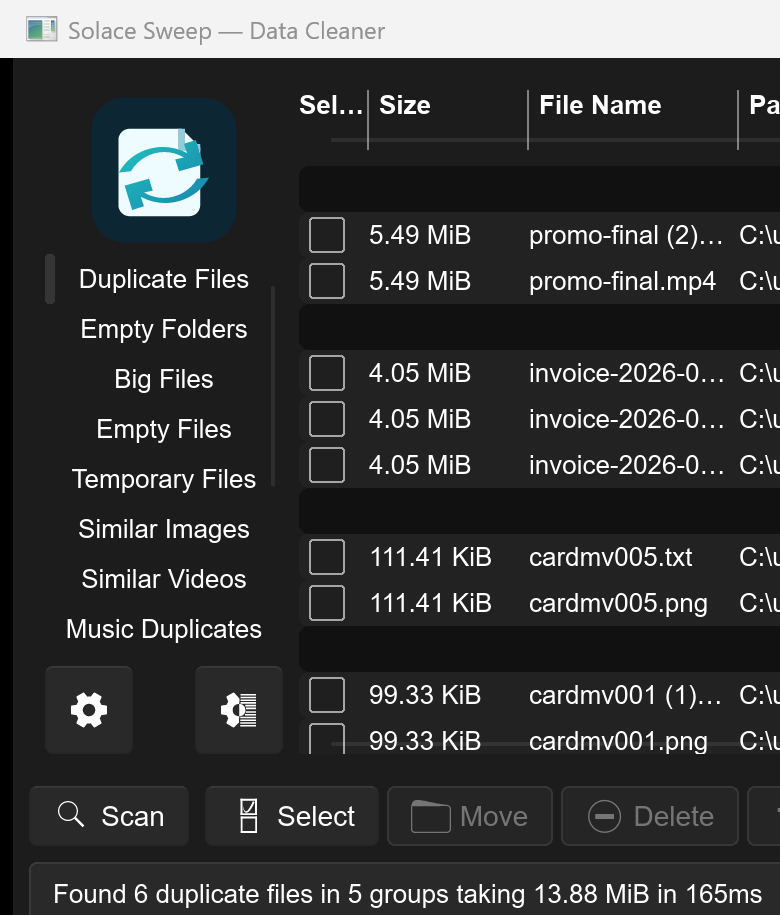
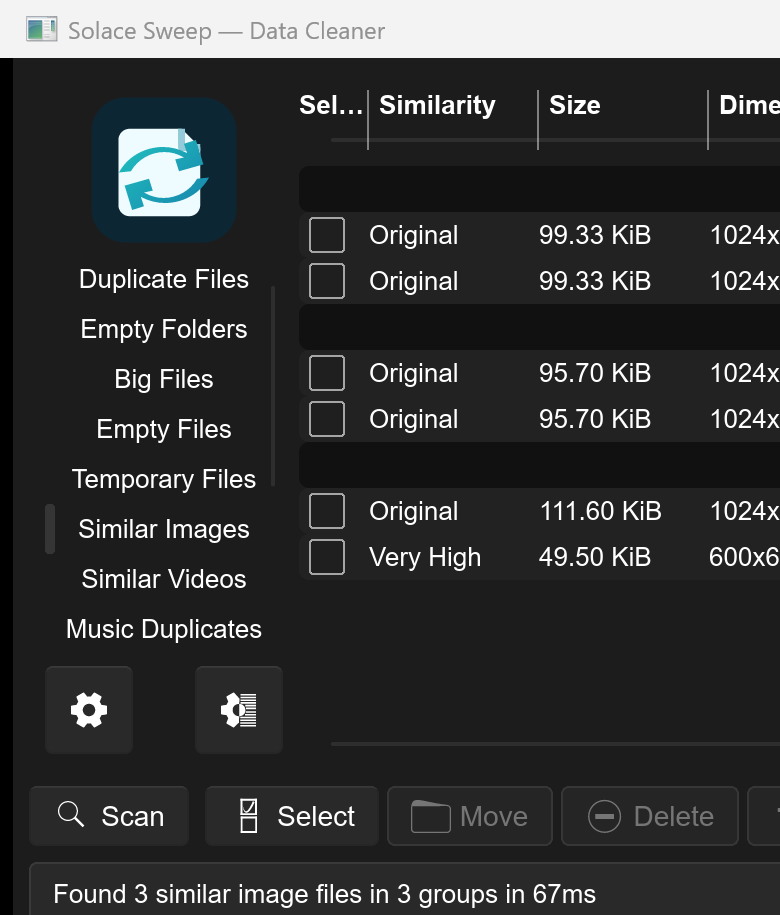
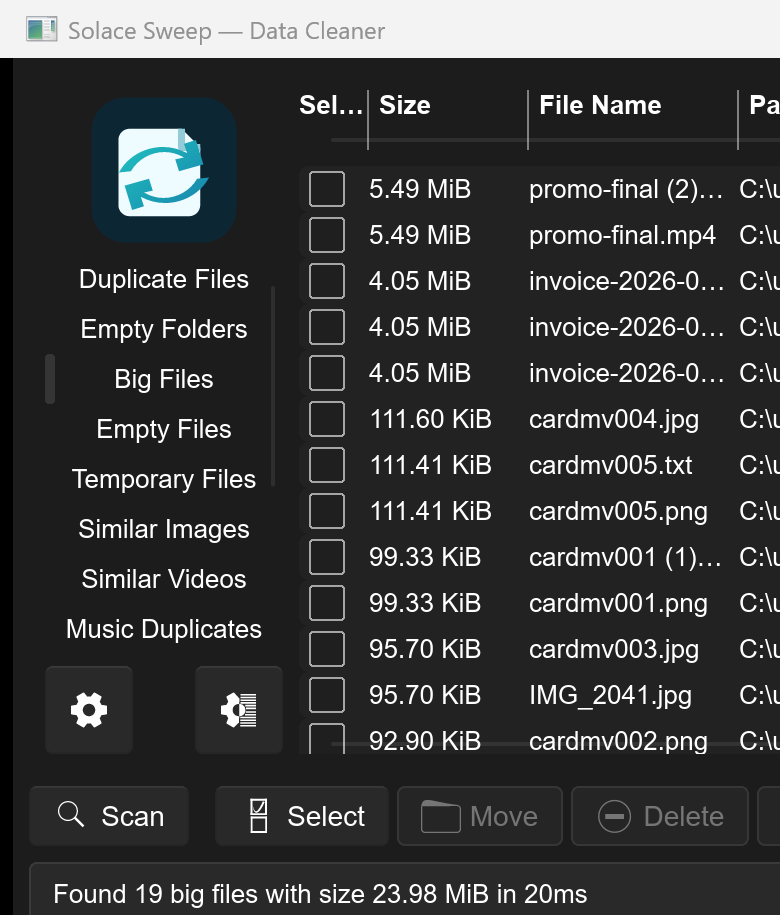
Screen captures with sample data. Solace Sweep runs on your Windows PC.
After you buy, you can check that your download is exactly this file: same name, same size, same SHA-256.
- File
- Solace-Sweep-12.0.2-solace.4-Windows-x64.zip
- Size
- 206973049 bytes
- SHA-256
e9d7c147629af0ddffd22a1fb7cfc5cb190787fd5eef276e9c2d1d5151b63e57
ABOUT THIS PRODUCT
The story behind Solace Sweep
Solace Sweep helps you understand what is consuming space before you change anything. It scans selected Windows folders for duplicates, oversized files, empty items, temporary data, and other cleanup candidates, then groups the results for review so you remain in control of every file action. It is designed around careful inspection, verified backups, and recoverable cleanup choices.
Usage disclaimer
Use SolaceSoftware products only for lawful, authorized purposes. Use only content, data, images, audio, and other material you have the rights and any necessary consent to use.
You are responsible for what you provide, create, and share. Do not use our products for fraud, deceptive impersonation, harassment, or other unlawful or abusive activity. Follow applicable laws, platform rules, and third-party licenses.
Software and AI outputs can contain mistakes. Review results before relying on them, publishing them, or sharing them with others.
File operations can be destructive. Preview every selection, keep a verified backup, avoid system and program directories, and prefer recoverable actions such as the Recycle Bin when available.
Scan results can be incomplete or contain false matches. Delete, hardlink, symlink, rename, move, metadata-cleaning, and optimization actions may be irreversible or change other workflows.
Common questions
- Windows says “Windows protected your PC”.
- The app isn’t code-signed yet, so the first time you open it Windows may show that screen. Click More info, then Run anyway. You can check the ZIP against the SHA-256 on this page first.
- What do I need?
- Windows 10 or newer, 64-bit. Portable self-contained executable. Optional video and image features may need additional codecs or FFmpeg.