GUIDE
Can't change external monitor brightness on Windows 11? Here's what works
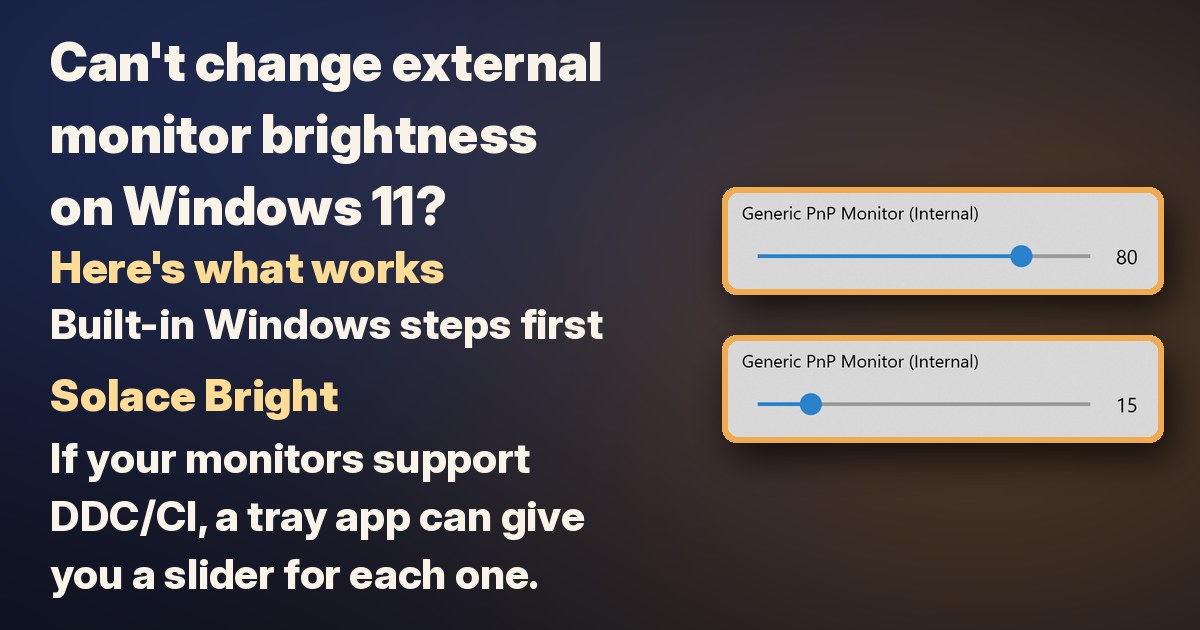
If the Brightness slider is missing, or it changes your laptop screen but not the monitor on your desk, that's usually expected. Microsoft notes you might not see the slider with an external monitor, and its own answer for an external monitor is the buttons on the monitor. Here's what to do, built-in Windows steps first.
1. Built-in screens: use the Brightness slider
- Select the Network icon on the right side of the taskbar.
- Move the Brightness slider.
You can also go to Settings > System > Display and change Brightness there. Some PCs can also change brightness automatically when the lighting changes; if yours can, the toggle is under Brightness on the same page.
3. HDR monitor: try SDR content brightness
If HDR is on for your external monitor, Windows has one more slider:
- Select Start > Settings > System > Display.
- If you have more than one display, select the HDR monitor at the top of the page.
- Select HDR, then drag the SDR content brightness slider.
On an external HDR monitor, this changes how bright everyday (SDR) content looks compared with HDR content. To change the monitor's overall brightness, Microsoft still points you to the monitor's own on-screen menu.
4. Laptop slider missing or not working: update the display driver
If you're on a laptop and the slider doesn't appear or doesn't work for its own screen, Microsoft suggests updating the display driver:
- Search the taskbar for Device Manager and open it.
- Expand Display adapters.
- Right-click your display adapter, select Update driver, and follow the steps.
Want a brightness slider for your external monitors too?
The monitor's buttons do the job, but on a desk with several screens that means reaching for each monitor's own menu. If your monitors support DDC/CI, a tray app can give you a slider for each one.
Disclosure: we (SolaceSoftware) make and sell Solace Bright.
That's what our Solace Bright is for. It's optional: the steps above are all you need to change brightness.
- One tray window for the brightness of your built-in screen and your DDC/CI external monitors.
- Contrast too, when a monitor exposes it.
- One at a time or all together: move displays individually or in unison.
- Rename your monitors so the list matches your desk.
- Settings stay on your PC, with no cloud account for the core controls.
Limits: external monitors need DDC/CI, turned on in the monitor's menu if it has that option, and some cables, docks and converters block it. Monitors that don't respond aren't listed. You need 64-bit Windows 10 or Windows 11 with .NET Framework 4.8. The shop page lists the size and SHA-256 of the exact ZIP you download. The app isn't code-signed yet, so on first launch Windows may show "Windows protected your PC". Click More info, then Run anyway.
$13.79 once. No subscription and no automatic renewal. There's no free trial for this app.
Get our Solace Bright for $13.79 once
Questions before you buy: solacesoftware@smilingface.cloud
Quick answer
- Built-in screen: select the Network icon on the taskbar and move the Brightness slider, or go to Settings > System > Display.
- External monitor: use the buttons on the monitor and its on-screen menu. That's Microsoft's own answer.
- HDR monitor: Settings > System > Display > HDR > SDR content brightness changes how bright SDR content looks.
- Laptop slider missing? Update the display driver in Device Manager.
- For a tray slider for DDC/CI monitors: our Solace Bright, $13.79 once (no trial).
Not sure which app you need? Answer one question
Questions: solacesoftware@smilingface.cloud.