SOLACESOFTWARE / PRODUCT
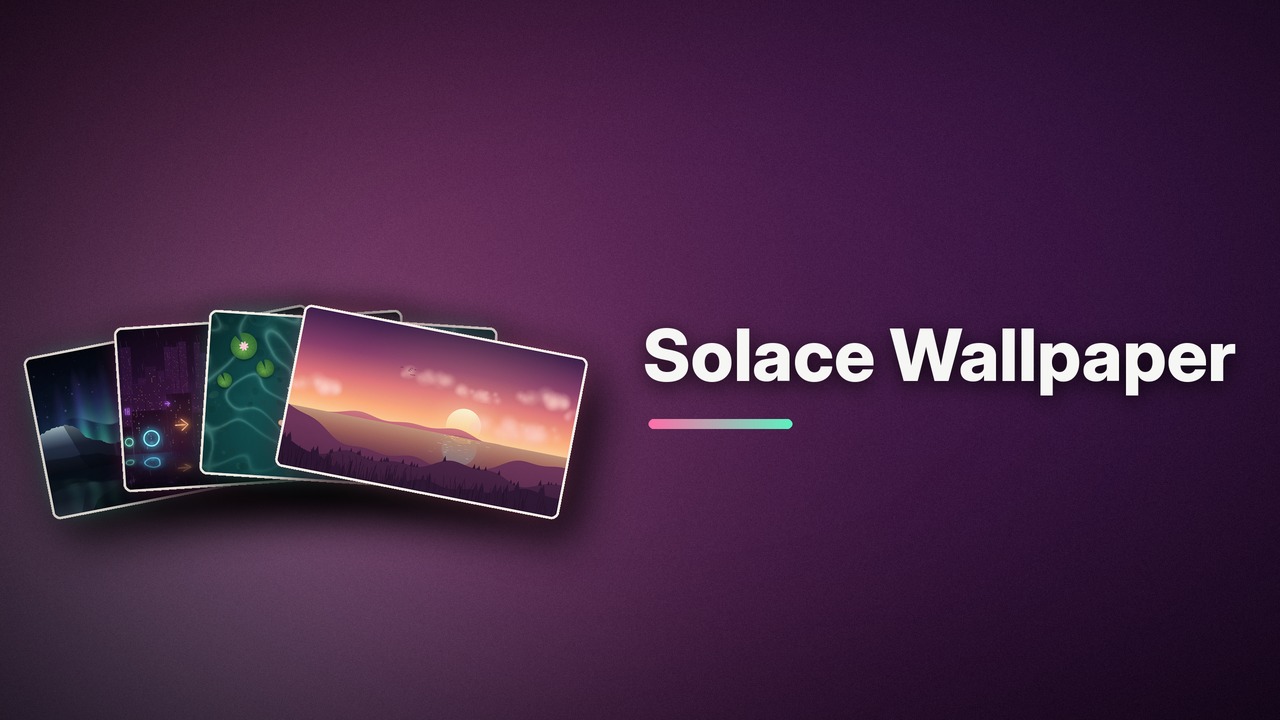
Solace Wallpaper
Live animated wallpapers behind your Windows desktop icons: ten original scenes, from a lofi sunset to a rainy pixel-art room, that pause when covered and stay light on your CPU.
One-time payment for the current Windows package plus 12 months of best-effort SolaceSoftware support and packaging updates. No automatic renewal.
14-day refund if the package can't start its core check — see Purchase terms.
Questions before you buy, or help after: solacesoftware@smilingface.cloud. A person replies, and we aim to answer within three business days.
Free 14-day trial: Download the trial (2.8 MB, Windows x64 zip). Every feature works for 14 days, then the app asks you to buy.
- One-time price, $4.59 USD. No subscription and no automatic renewal.
- Works offline: the app itself makes no network calls (see the details below).
- We publish the size and SHA-256 of the exact ZIP you download, so you can check it.
- A person answers your email, with 12 months of best-effort support included.
This download is unsigned. Windows may say “Windows protected your PC.” We’re a new publisher and haven’t bought a code-signing certificate yet. Click More info → Run anyway. Then check the ZIP against the SHA-256 on this page. Questions: solacesoftware@smilingface.cloud
IN THE APP
Screenshots
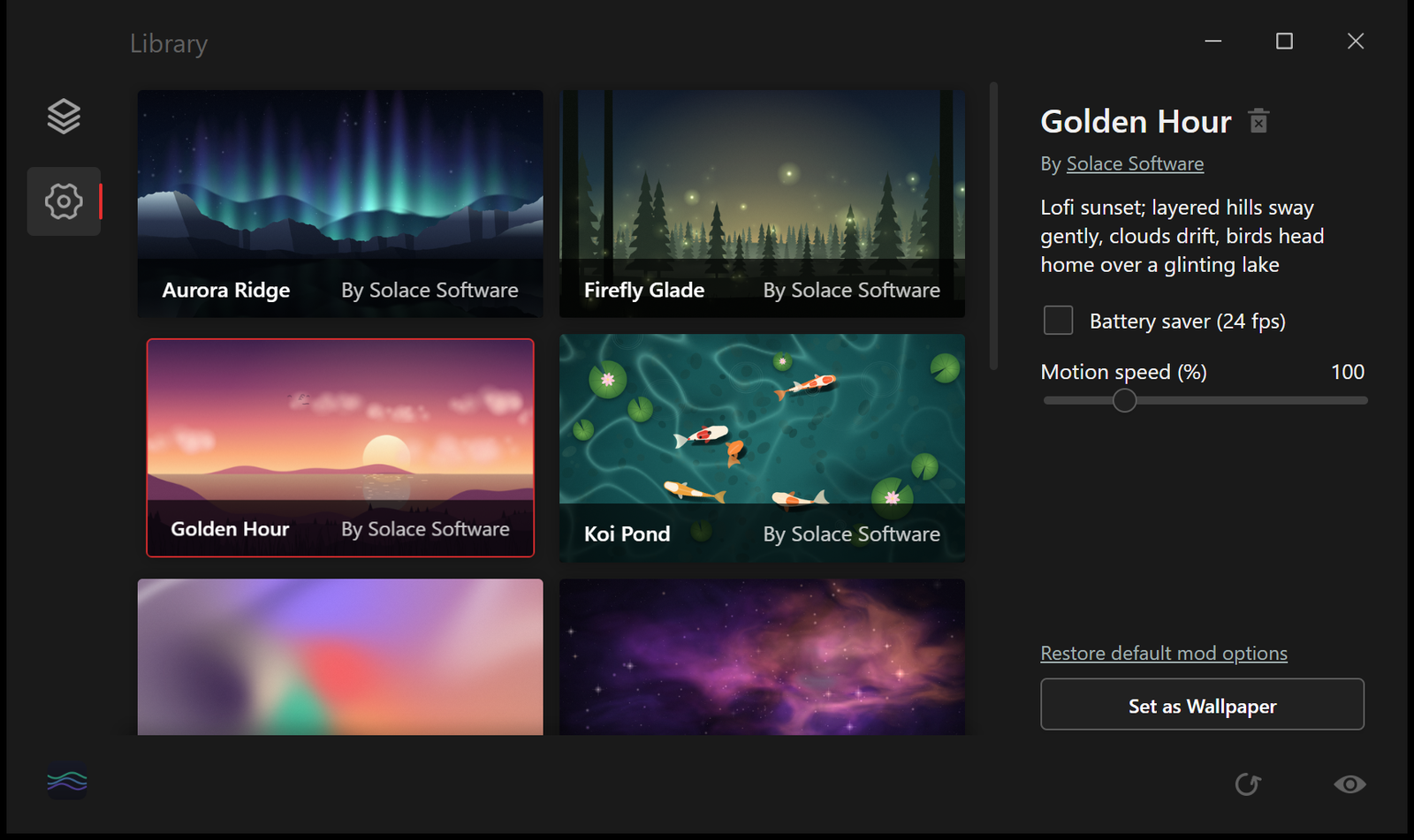
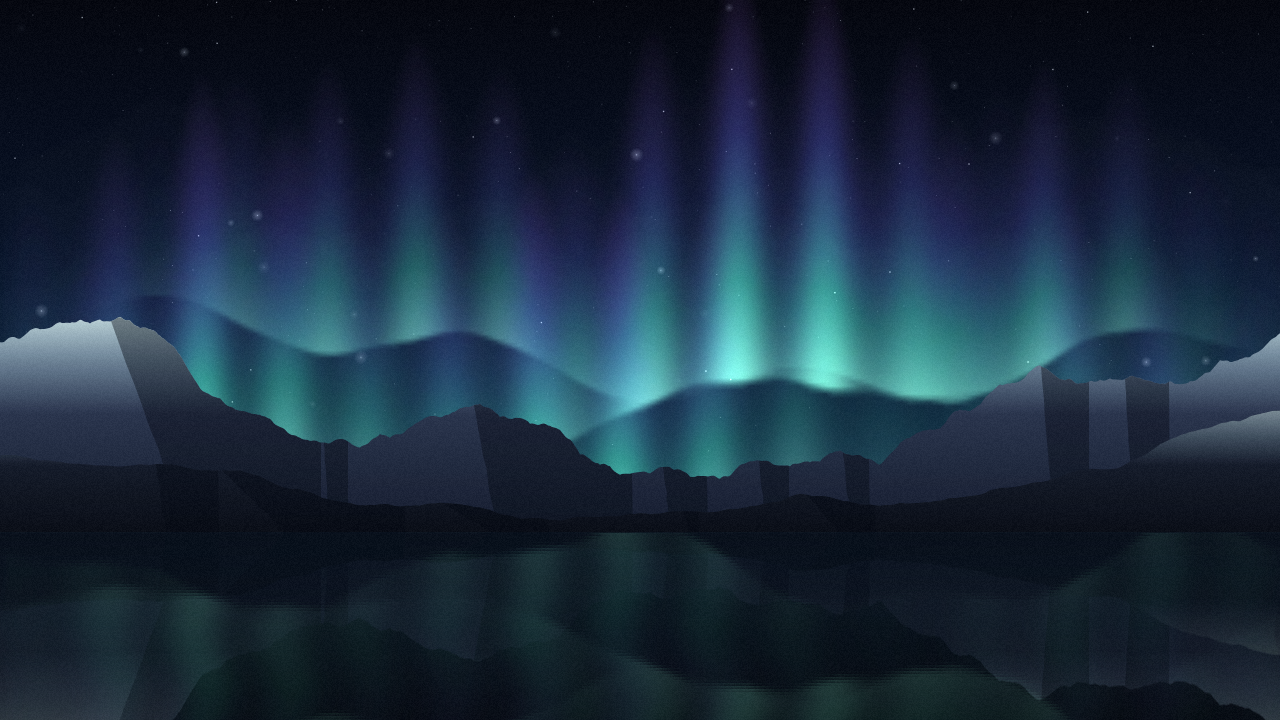
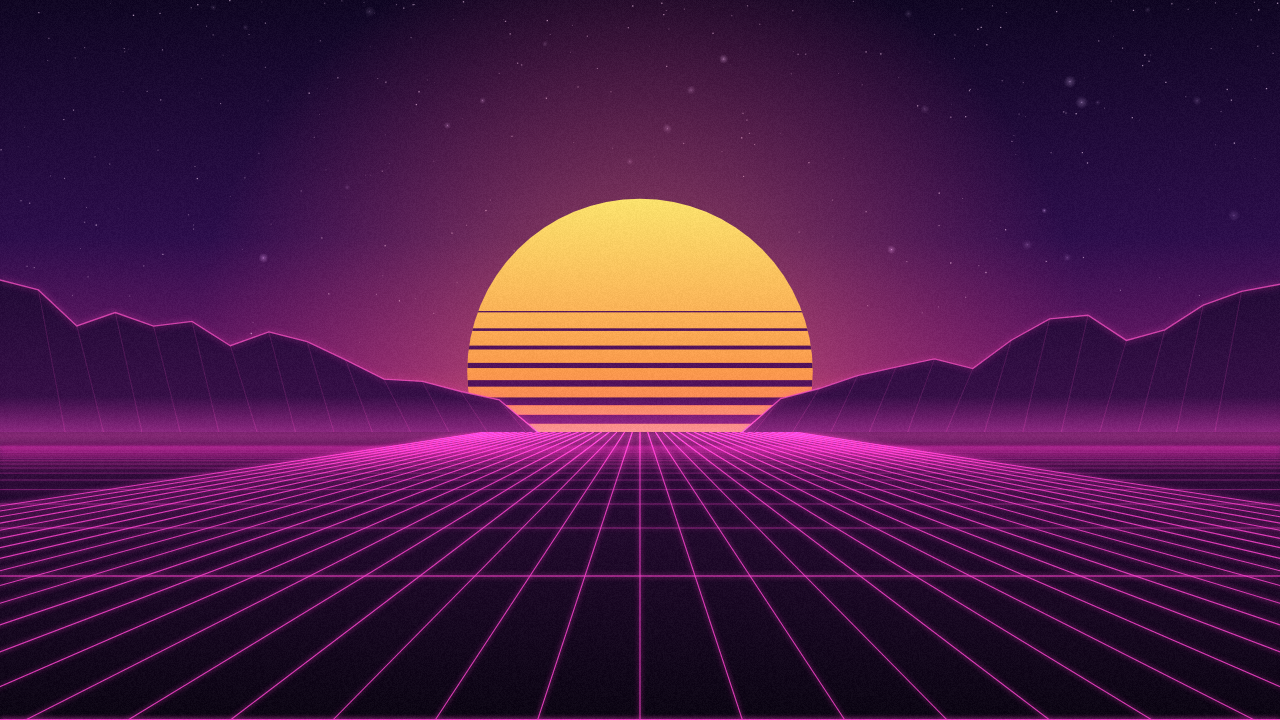
Trial captures with sample data. Solace Wallpaper runs on your Windows PC.
After you buy, you can check that your download is exactly this file: same name, same size, same SHA-256.
- File
- Solace-Wallpaper-1.0.0-solace.1-Windows-x64-unsigned.zip
- Size
- 2952873 bytes
- SHA-256
a69008e007717e017c6e9028e0d9ba1e09df827746b80f9e62bc7440984e9207
ABOUT THIS PRODUCT
The story behind Solace Wallpaper
A still desktop background is fine until you notice how often you look at it. Most live-wallpaper apps fix that with a huge online catalogue, an account and a heavy background process.
Solace Wallpaper puts a small animated scene behind your desktop icons. It ships with ten original wallpapers drawn in code by SolaceSoftware: Aurora Ridge, Neon Drizzle, Koi Pond, Golden Hour, Nebula Drift, Sakura Fall, Rainy Window, Liquid Silk, Retro Horizon and Firefly Glade. Each one loops seamlessly, runs at 30 fps by default (24 fps with Battery saver) and stops drawing completely while your desktop is covered. Pick a scene in the Library, set it as your wallpaper and change its motion speed. You can also add your own wallpapers: each is a small HTML page with a wallpaper.json file.
The app and the included wallpapers make no network connections of their own, and there is no account, online catalogue, update check or analytics. Start with Windows stays off until you turn it on.
Usage disclaimer
Use SolaceSoftware products only for lawful, authorized purposes. Use only content, data, images, audio, and other material you have the rights and any necessary consent to use.
You are responsible for what you provide, create, and share. Do not use our products for fraud, deceptive impersonation, harassment, or other unlawful or abusive activity. Follow applicable laws, platform rules, and third-party licenses.
Software and AI outputs can contain mistakes. Review results before relying on them, publishing them, or sharing them with others.
Unzip the folder anywhere and run SolaceWallpaper.exe. Pick a wallpaper in the Library and click Set as Wallpaper; closing the window keeps it running in the tray.
Wallpapers and settings live in %LocalAppData%\Solace Wallpaper. To remove the app, turn off Start with Windows if you enabled it, quit from the tray icon and delete the folder.