SOLACESOFTWARE / PRODUCT
Solace Shutdown
Shut down, restart, sleep, hibernate, lock or log off your Windows PC on a timer: after a countdown or at a set time of day.
Tested: on 1.3.3-solace.2, pause, resume, reset, a new countdown and the password lock all worked, with no admin rights and no network connections. We never let a timer reach zero in our test.
One-time payment for the current Windows package plus 12 months of best-effort SolaceSoftware support and packaging updates. No automatic renewal.
14-day refund if the package can't start its core check — see Purchase terms.
Questions before you buy, or help after: solacesoftware@smilingface.cloud. A person replies, and we aim to answer within three business days.
Guide: How to schedule a shutdown at a specific time on Windows 11.
- One-time price, $22.99 USD. No subscription and no automatic renewal.
- Works offline: the app itself makes no network calls (see the details below).
- We publish the size and SHA-256 of the exact ZIP you download, so you can check it.
- A person answers your email, with 12 months of best-effort support included.
This download is unsigned. Windows may say “Windows protected your PC.” We’re a new publisher and haven’t bought a code-signing certificate yet. Click More info → Run anyway. Then check the ZIP against the SHA-256 on this page. Questions: solacesoftware@smilingface.cloud
IN THE APP
Screenshots
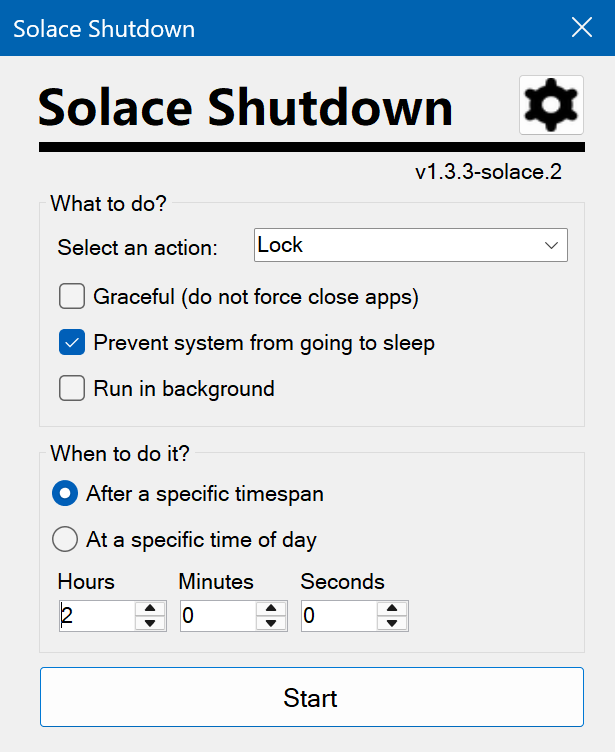
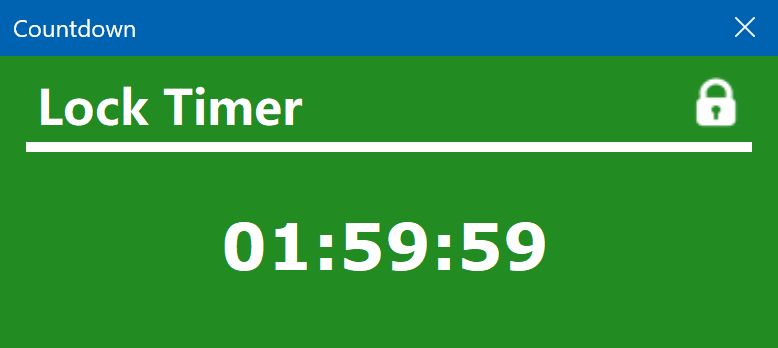
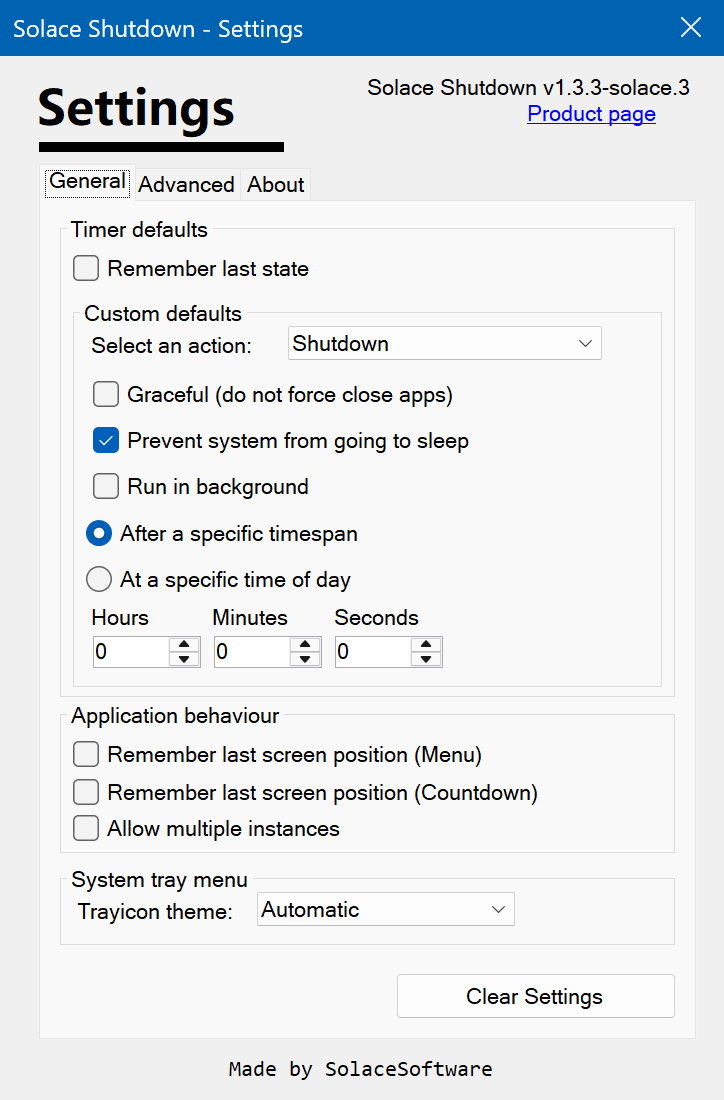
Trial captures with sample data. Solace Shutdown runs on your Windows PC.
After you buy, you can check that your download is exactly this file: same name, same size, same SHA-256.
- File
- Solace-Shutdown-1.3.3-solace.3-Windows-unsigned.zip
- Size
- 479809 bytes
- SHA-256
dd639c7f72912e145a4275ade5c12fe4f1f94241d475efb80d1bbde261273abf
ABOUT THIS PRODUCT
The story behind Solace Shutdown
Leaving a download, a render or a backup running overnight usually means either staying up to turn the PC off or leaving it on until morning. Windows has no simple timer for that, and typing shutdown commands is easy to get wrong.
Solace Shutdown gives you one small window: pick Shutdown, Restart, Hibernate, Sleep, Logout or Lock, set a countdown (for example 1 h 30 min) or a time of day (for example 23:00), and click Start. A countdown window shows the time left; from it or the tray icon you can pause, set a new time, reset, move it to the background or stop. Options let apps close gracefully, keep the PC awake until the timer runs out, run hidden in the tray and protect a running timer with a password. A command line lets you start timers from scripts or shortcuts. Settings live in %AppData%\Solace Shutdown. It makes no network connections, has no account and no update check.
Usage disclaimer
Use SolaceSoftware products only for lawful, authorized purposes. Use only content, data, images, audio, and other material you have the rights and any necessary consent to use.
You are responsible for what you provide, create, and share. Do not use our products for fraud, deceptive impersonation, harassment, or other unlawful or abusive activity. Follow applicable laws, platform rules, and third-party licenses.
Software and AI outputs can contain mistakes. Review results before relying on them, publishing them, or sharing them with others.
Save your work before a shutdown, restart or logout timer runs out; those actions close other programs.
Keep SolaceShutdown.exe, SolaceShutdown.exe.config and Newtonsoft.Json.dll together in the same folder.