SOLACESOFTWARE / PRODUCT
Solace Pixel
Draw pixel art, sprites, tiles and frame-by-frame animations on Windows, then export PNGs, sprite sheets and GIFs.
One-time payment for the current Windows package plus 12 months of best-effort SolaceSoftware support and packaging updates. No automatic renewal.
14-day refund if the package can't start its core check — see Purchase terms.
Questions before you buy, or help after: solacesoftware@smilingface.cloud. A person replies, and we aim to answer within three business days.
Free 14-day trial: Download the trial (38.8 MB, Windows x64 zip). Every feature works for 14 days, then the app asks you to buy. Images exported during the trial carry a small trial watermark.
- One-time price, $18.39 USD. No subscription and no automatic renewal.
- Runs on your own Windows PC.
- We publish the size and SHA-256 of the exact ZIP you download, so you can check it.
- A person answers your email, with 12 months of best-effort support included.
This download is unsigned. Windows may say “Windows protected your PC.” We’re a new publisher and haven’t bought a code-signing certificate yet. Click More info → Run anyway. Then check the ZIP against the SHA-256 on this page. Questions: solacesoftware@smilingface.cloud
IN THE APP
Screenshots
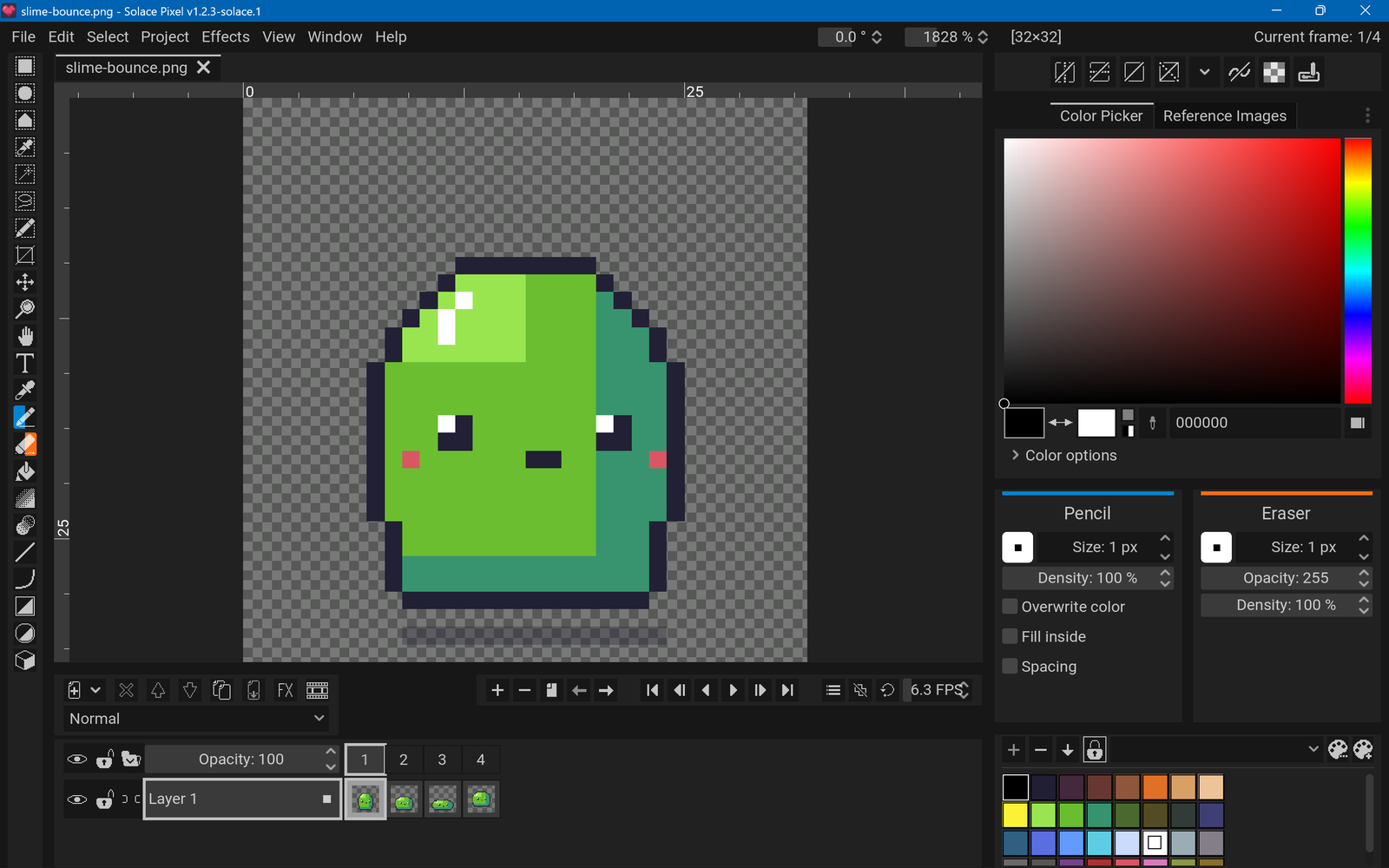
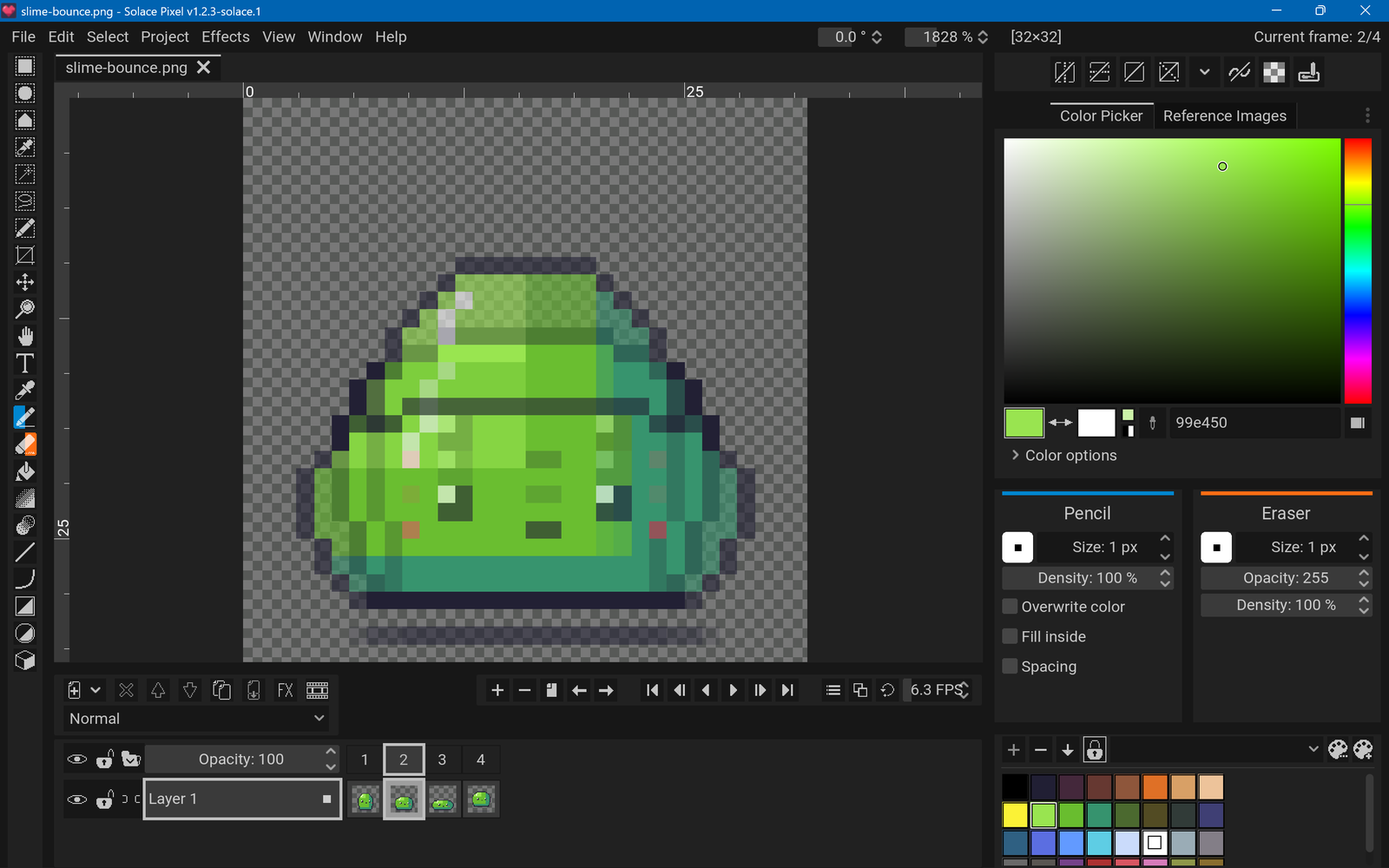
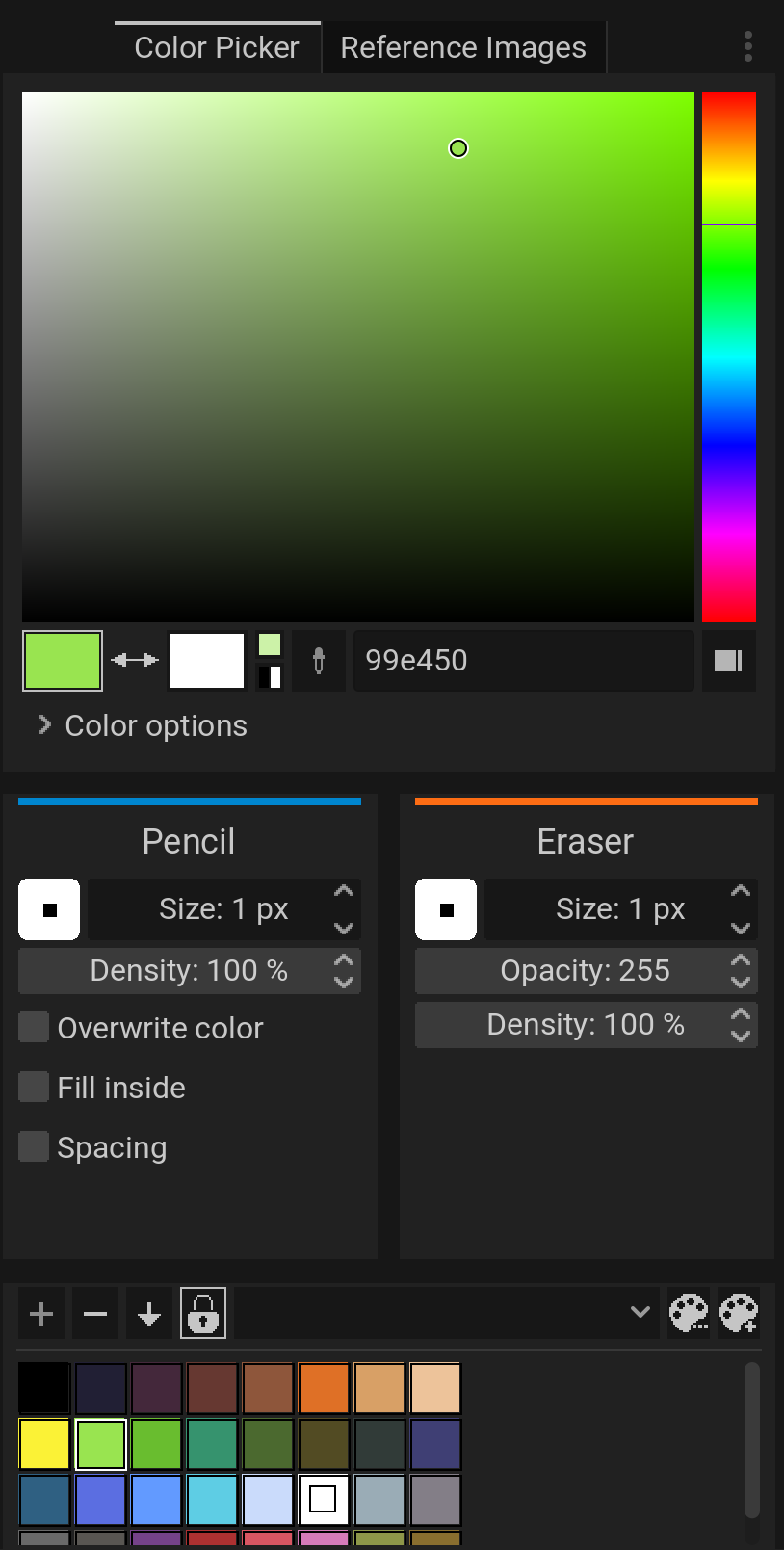
Trial captures with sample data. Solace Pixel runs on your Windows PC.
After you buy, you can check that your download is exactly this file: same name, same size, same SHA-256.
- File
- Solace-Pixel-1.2.3-solace.1-Windows-x64-unsigned.zip
- Size
- 40686939 bytes
- SHA-256
267d4c49d560fa21368cdd999471a9e82d5cabf935bffe2302176491461a45bd
ABOUT THIS PRODUCT
The story behind Solace Pixel
Pixel art needs tools a general paint program does not have: a real pixel grid, indexed palettes, onion skinning, tile modes and sprite-sheet export. Paid editors charge for those. Solace Pixel doesn't stop at single images.
Solace Pixel is a full pixel-art and animation editor. Draw with pixel-perfect pencil, line, shape, fill, shading and selection tools, with mirror symmetry and custom brushes. Build animations on a timeline with layers, frames, tags and onion skinning, and preview them as you work. Work with palettes (including Lospec palettes), indexed colour mode, tilemaps and tiled drawing, and non-destructive layer effects such as outline, drop shadow and gradient maps. Open .png, .pxo, Aseprite (.ase/.aseprite), Photoshop (.psd) and Krita (.kra) files, and export PNG, sprite sheets with JSON data, GIF and APNG, or video if FFmpeg is installed. A command line can batch-export projects. It has no telemetry, no account and no update check; it only goes online when you ask it to (Lospec palettes, the extension browser, or a dropped image URL).
Usage disclaimer
Use SolaceSoftware products only for lawful, authorized purposes. Use only content, data, images, audio, and other material you have the rights and any necessary consent to use.
You are responsible for what you provide, create, and share. Do not use our products for fraud, deceptive impersonation, harassment, or other unlawful or abusive activity. Follow applicable laws, platform rules, and third-party licenses.
Software and AI outputs can contain mistakes. Review results before relying on them, publishing them, or sharing them with others.
Unzip the whole folder and keep SolacePixel.exe, SolacePixel.pck and the solace_pixel_data folder together.
Projects are saved as .pxo files. Settings and backups are stored in %AppData%\SolacePixel; to remove the app, delete its folder and that one.