SOLACESOFTWARE / PRODUCT
Solace Dictate
Press a hotkey, speak, and the text appears in any app. Speech-to-text that runs on your PC with your choice of local speech models—no account and no subscription.
One-time payment for the current Windows package plus 12 months of best-effort SolaceSoftware support and packaging updates. Speech models download separately from the SolaceSoftware mirror. No automatic renewal.
14-day refund if the package can't start its core check — see Purchase terms.
Questions before you buy, or help after: solacesoftware@smilingface.cloud. A person replies, and we aim to answer within three business days.
Free 14-day trial: Download the trial (17.9 MB, Windows x64 zip). Every feature works for 14 days, then the app asks you to buy.
- One-time price, $26.68 USD. No subscription and no automatic renewal.
- Runs on your own Windows PC.
- We publish the size and SHA-256 of the exact ZIP you download, so you can check it.
- A person answers your email, with 12 months of best-effort support included.
This download is unsigned. Windows may say “Windows protected your PC.” We’re a new publisher and haven’t bought a code-signing certificate yet. Click More info → Run anyway. Then check the ZIP against the SHA-256 on this page. Questions: solacesoftware@smilingface.cloud
IN THE APP
Screenshots
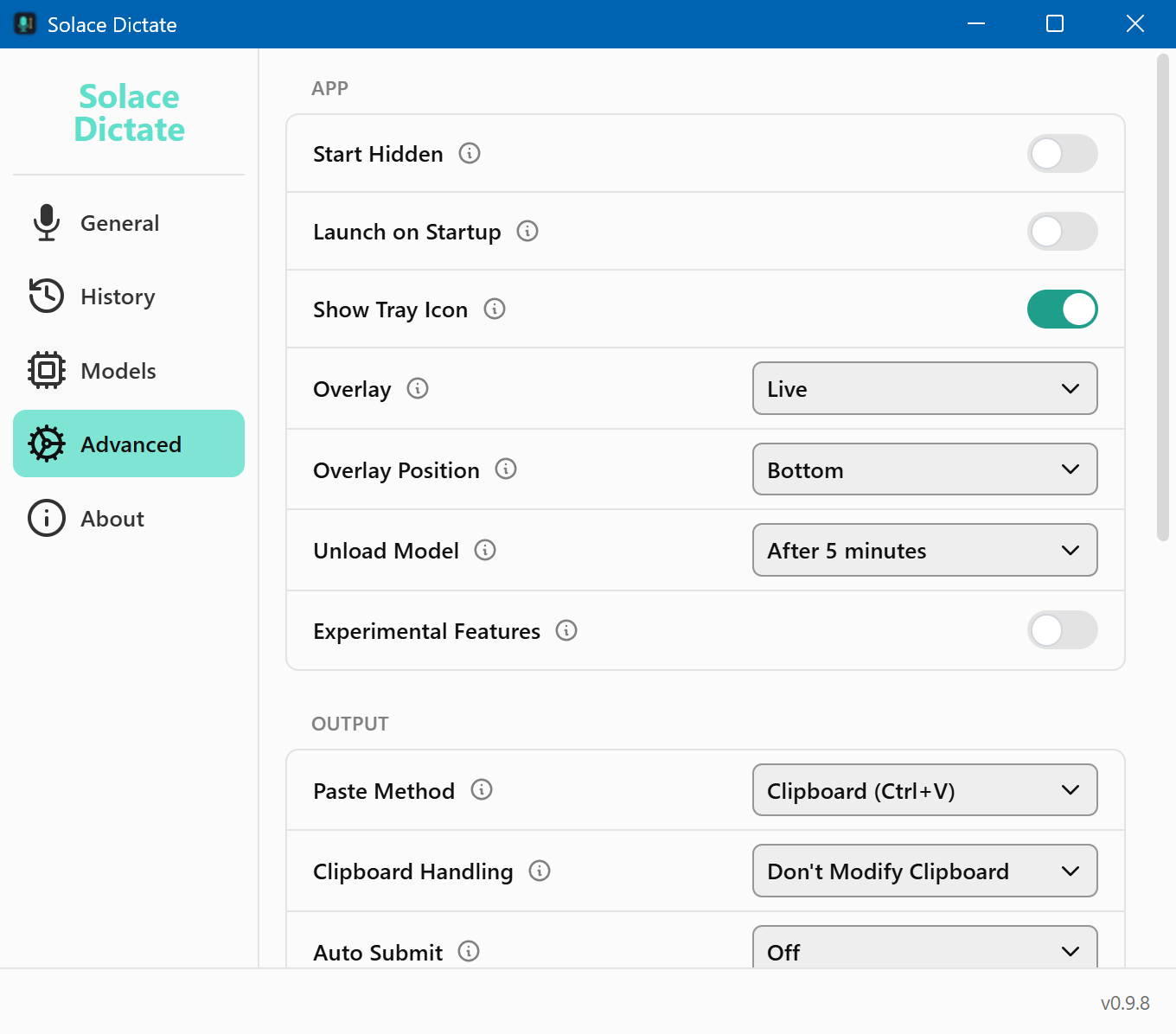
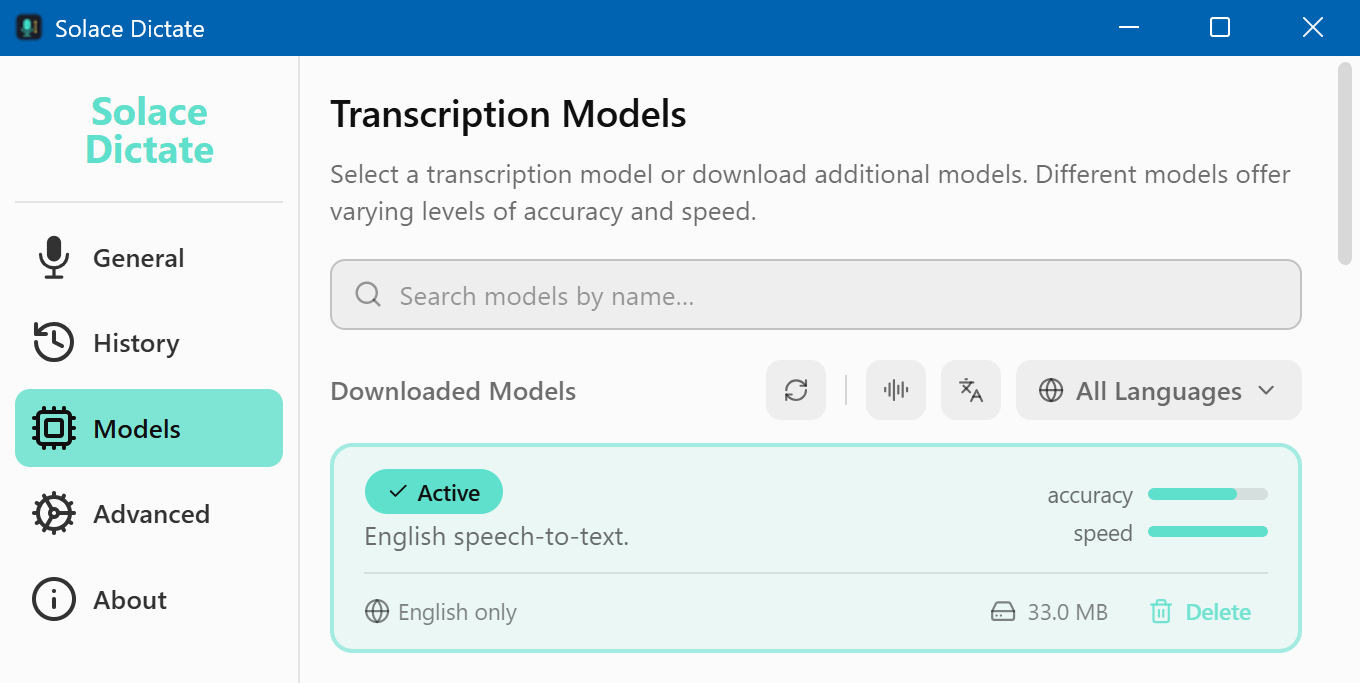
Trial captures with sample data. Solace Dictate runs on your Windows PC.
After you buy, you can check that your download is exactly this file: same name, same size, same SHA-256.
- File
- Solace-Dictate-0.9.8-solace.1-Windows-x64-unsigned.zip
- Size
- 18873123 bytes
- SHA-256
79b613a2abb302aeb88593952a44a75edef48b028985f0d0eb4c03eb28db2e84
ABOUT THIS PRODUCT
The story behind Solace Dictate
Subscription dictation tools lock you into a monthly fee and send your voice to someone else's cloud. Switching away usually means losing your hotkeys, your vocabulary and the privacy you expected.
Solace Dictate is a Windows tray app that turns speech into typed text on your PC. Hold a hotkey, talk, and the words land in whatever window you were using. It uses local speech models that run entirely on your PC; you pick which ones to download from the SolaceSoftware mirror, and each file is checked against a published SHA-256. There is no account, no telemetry and no auto-updater—new builds come from this product page.
Usage disclaimer
Use SolaceSoftware products only for lawful, authorized purposes. Use only content, data, images, audio, and other material you have the rights and any necessary consent to use.
You are responsible for what you provide, create, and share. Do not use our products for fraud, deceptive impersonation, harassment, or other unlawful or abusive activity. Follow applicable laws, platform rules, and third-party licenses.
Software and AI outputs can contain mistakes. Review results before relying on them, publishing them, or sharing them with others.
Unzip the folder anywhere and run SolaceDictate.exe; it starts in the system tray.
Download at least one speech model from inside the app (served from the SolaceSoftware mirror). Your settings live under the Solace Dictate app data folder; quit from the tray before deleting the app folder.