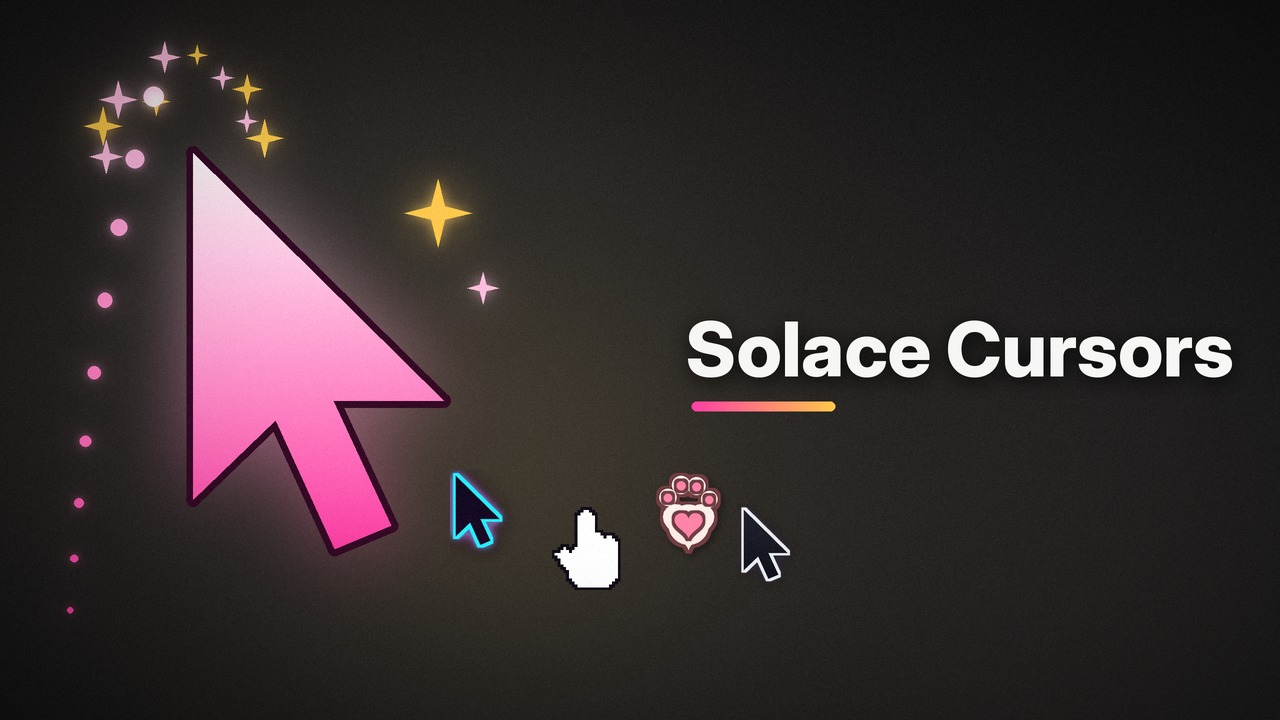
SOLACESOFTWARE / PRODUCT
Solace Cursors
Give your Windows cursor some personality. Five animated cursor packs, a size slider, optional click sparkles and a cursor trail, and one click to undo. $2.75 once.
One-time payment for the current Windows package plus 12 months of best-effort SolaceSoftware support and packaging updates. No automatic renewal.
14-day refund if the package can't start its core check — see Purchase terms.
Questions before you buy, or help after: solacesoftware@smilingface.cloud. A person replies, and we aim to answer within three business days.
- One-time price, $2.75 USD. No subscription and no automatic renewal.
- Runs on your own Windows PC.
- We publish the size and SHA-256 of the exact ZIP you download, so you can check it.
- A person answers your email, with 12 months of best-effort support included.
This download is unsigned. Windows may say “Windows protected your PC.” We’re a new publisher and haven’t bought a code-signing certificate yet. Click More info → Run anyway. Then check the ZIP against the SHA-256 on this page. Questions: solacesoftware@smilingface.cloud
IN THE APP
Screenshots
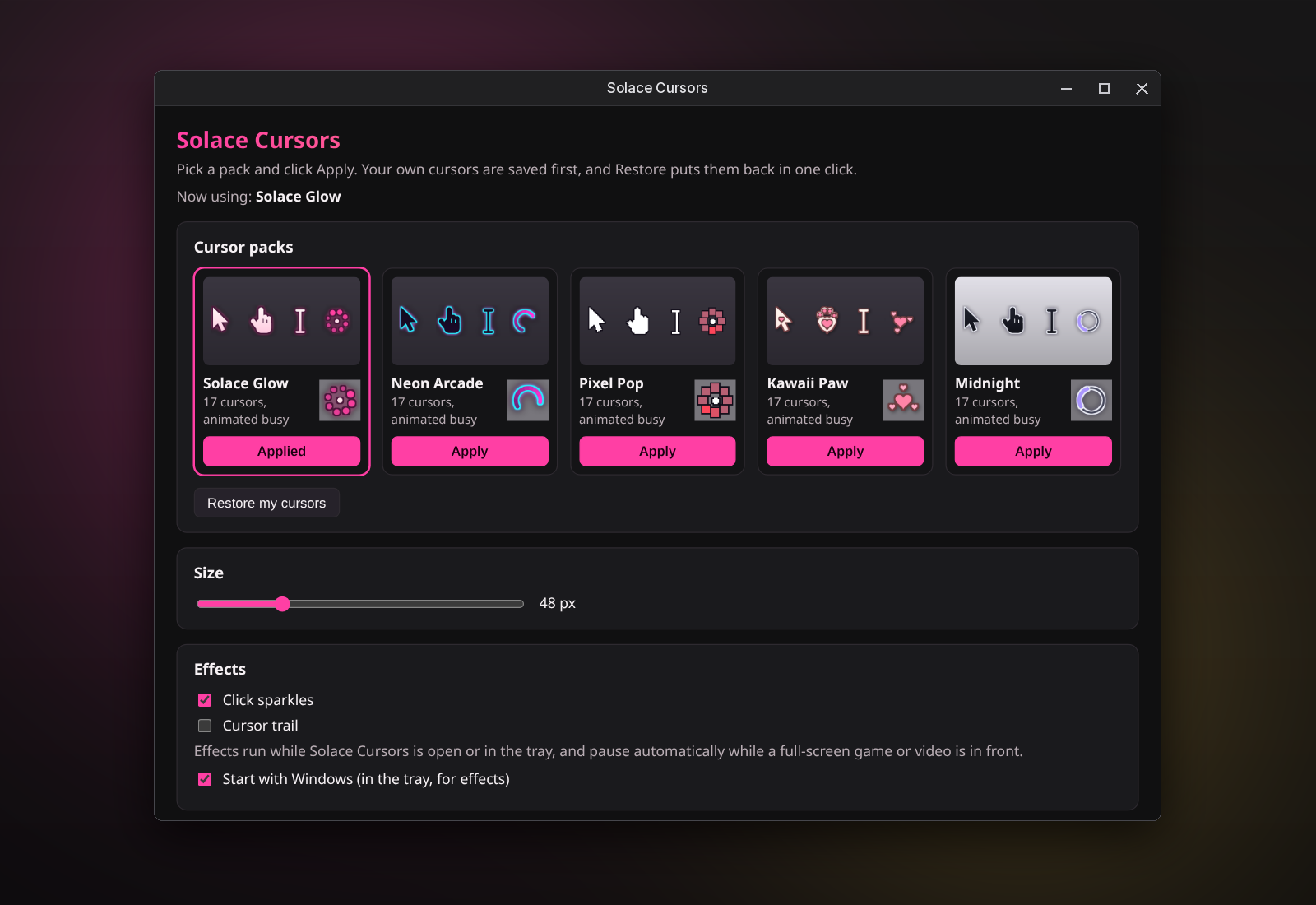
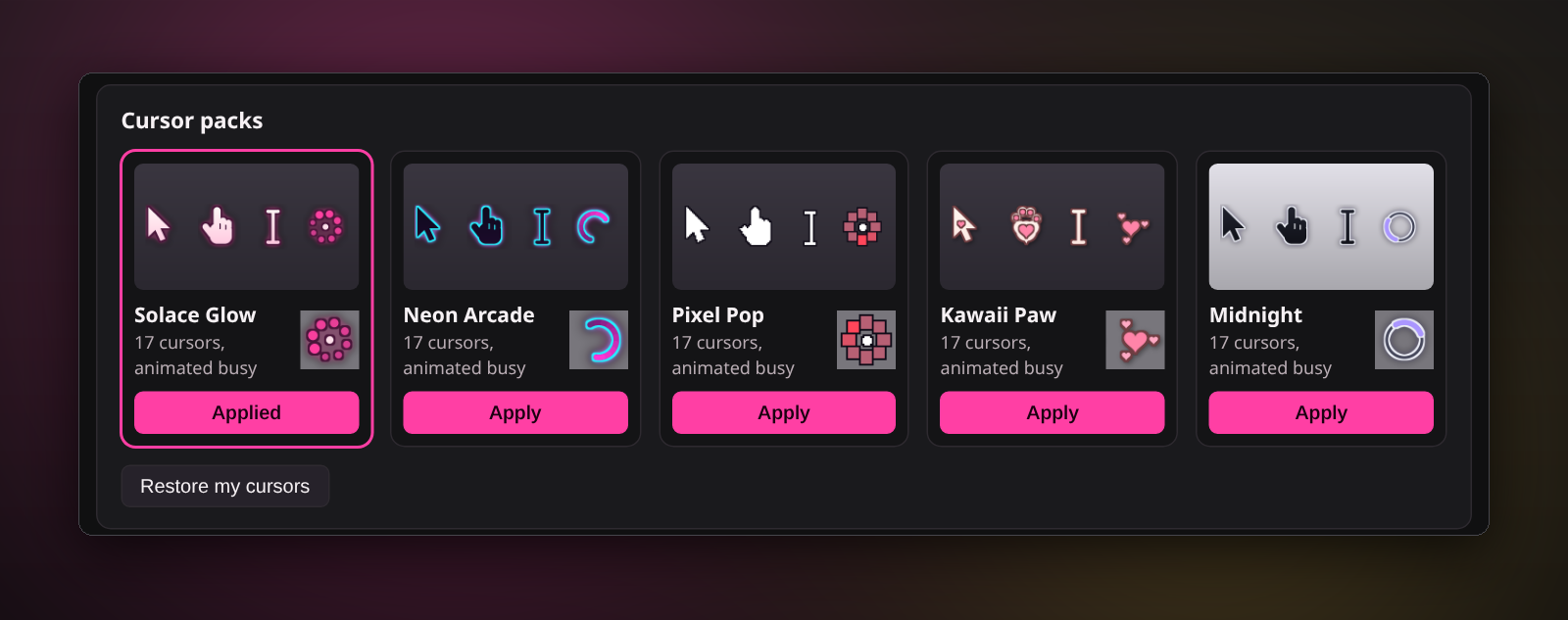
Trial captures with sample data. Solace Cursors runs on your Windows PC.
After you buy, you can check that your download is exactly this file: same name, same size, same SHA-256.
- File
- Solace-Cursors-1.0.1-Windows-x64-unsigned.zip
- Size
- 5686990 bytes
- SHA-256
7bfb157abe7614aafeaf9daa076e516617d9b53993ad0152d9704ab99c3a5142
ABOUT THIS PRODUCT
The story behind Solace Cursors
Open Solace Cursors, pick a pack and click Apply. The arrow, text beam, link hand, resize arrows, busy and working cursors all change together, 17 in all, and the busy ones are animated.
Choose from Solace Glow, Neon Arcade, Pixel Pop, Kawaii Paw and Midnight. Slide the size anywhere from 32 to 128 px. Turn on click sparkles or a cursor trail if you want a little extra; both step aside automatically when a full-screen game or video is in front.
Your own cursors are saved before the first change, so Restore my cursors always gets you back where you started, and uninstalling does the same. It only changes your Windows user, needs no admin rights, has no account and no telemetry, and only contacts us when you click Check for updates.
Usage disclaimer
Use SolaceSoftware products only for lawful, authorized purposes. Use only content, data, images, audio, and other material you have the rights and any necessary consent to use.
You are responsible for what you provide, create, and share. Do not use our products for fraud, deceptive impersonation, harassment, or other unlawful or abusive activity. Follow applicable laws, platform rules, and third-party licenses.
Software and AI outputs can contain mistakes. Review results before relying on them, publishing them, or sharing them with others.
Unzip the download and run Solace-Cursors-1.0.1-Setup.exe. It installs for your Windows user only and adds a Start menu entry.
Applied cursors stay after you close the app. Effects run only while the app is open or in the tray. Start with Windows stays off until you turn it on.