SOLACESOFTWARE / PRODUCT
Solace BateStamp
Every page, numbered. Bates and production numbering for PDFs and images on your Windows PC.
Tested: on 1.0.0-solace.3, a password-protected PDF was flagged Unreadable and skipped with no gap in the numbering, and the log named it under Problems.
One-time payment for the current Windows package plus 12 months of best-effort SolaceSoftware support and packaging updates. No automatic renewal.
14-day refund if the package can't start its core check — see Purchase terms.
Questions before you buy, or help after: solacesoftware@smilingface.cloud. A person replies, and we aim to answer within three business days.
Free 14-day trial: Download the trial (147.7 MB, Windows x64 zip). Every feature works for 14 days, then the app asks you to buy. Pages stamped during the trial carry a trial mark.
Guide: How to Bates number PDFs and photos together offline.
- One-time price, $19.99 USD. No subscription and no automatic renewal.
- Runs on your own Windows PC.
- We publish the size and SHA-256 of the exact ZIP you download, so you can check it.
- A person answers your email, with 12 months of best-effort support included.
This download is unsigned. Windows may say “Windows protected your PC.” We’re a new publisher and haven’t bought a code-signing certificate yet. Click More info → Run anyway. Then check the ZIP against the SHA-256 on this page. Questions: solacesoftware@smilingface.cloud
IN THE APP
Screenshots
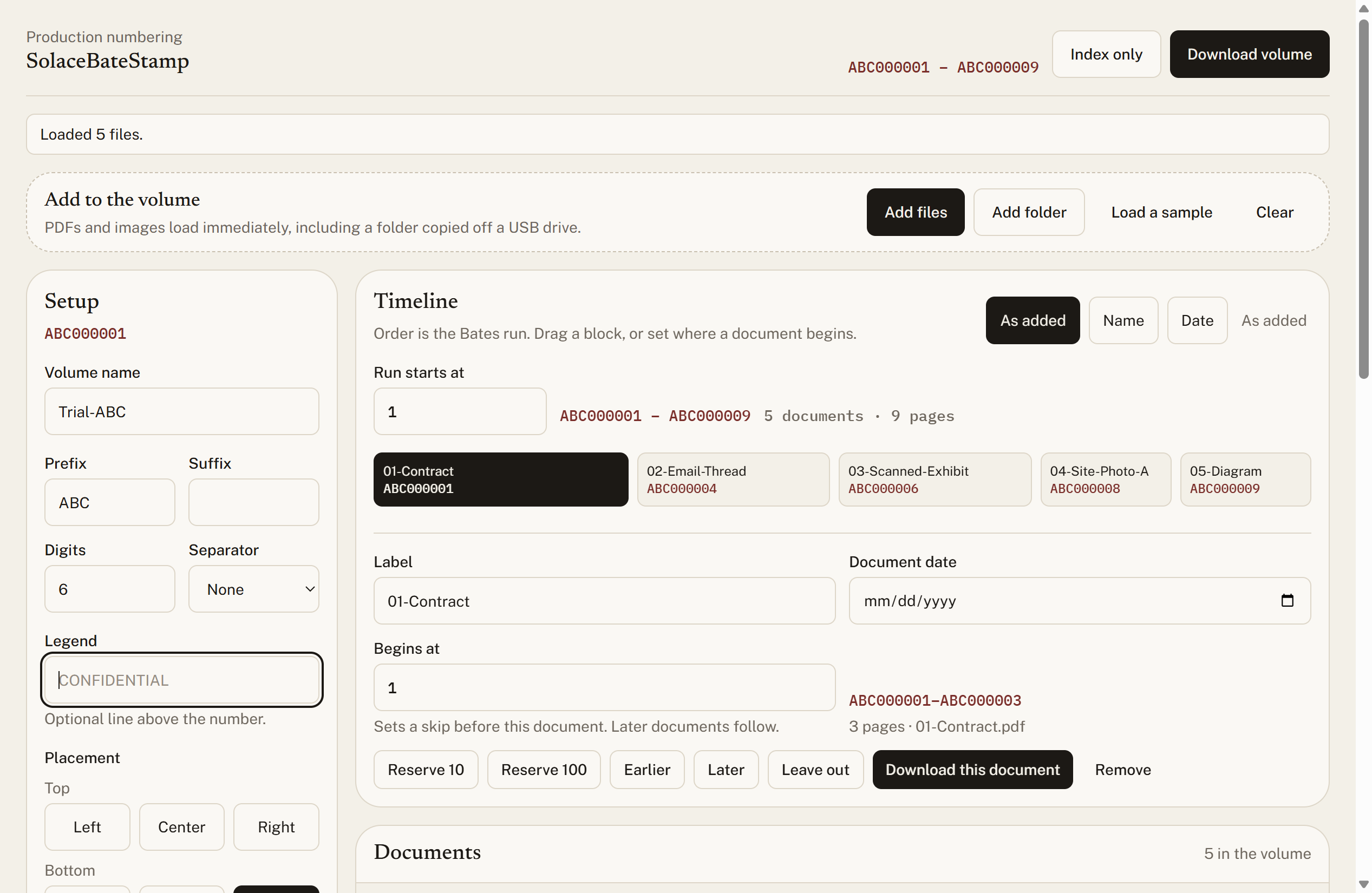
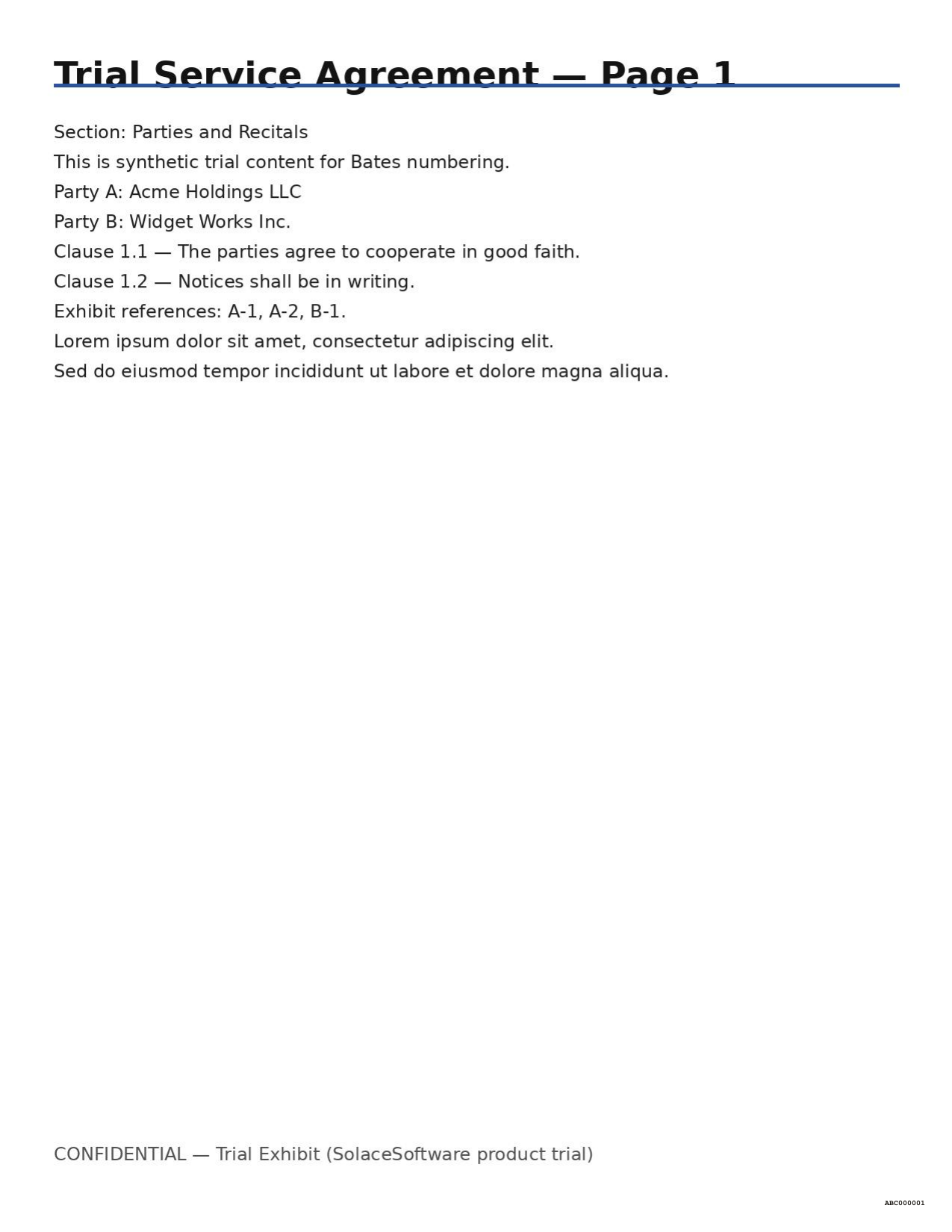
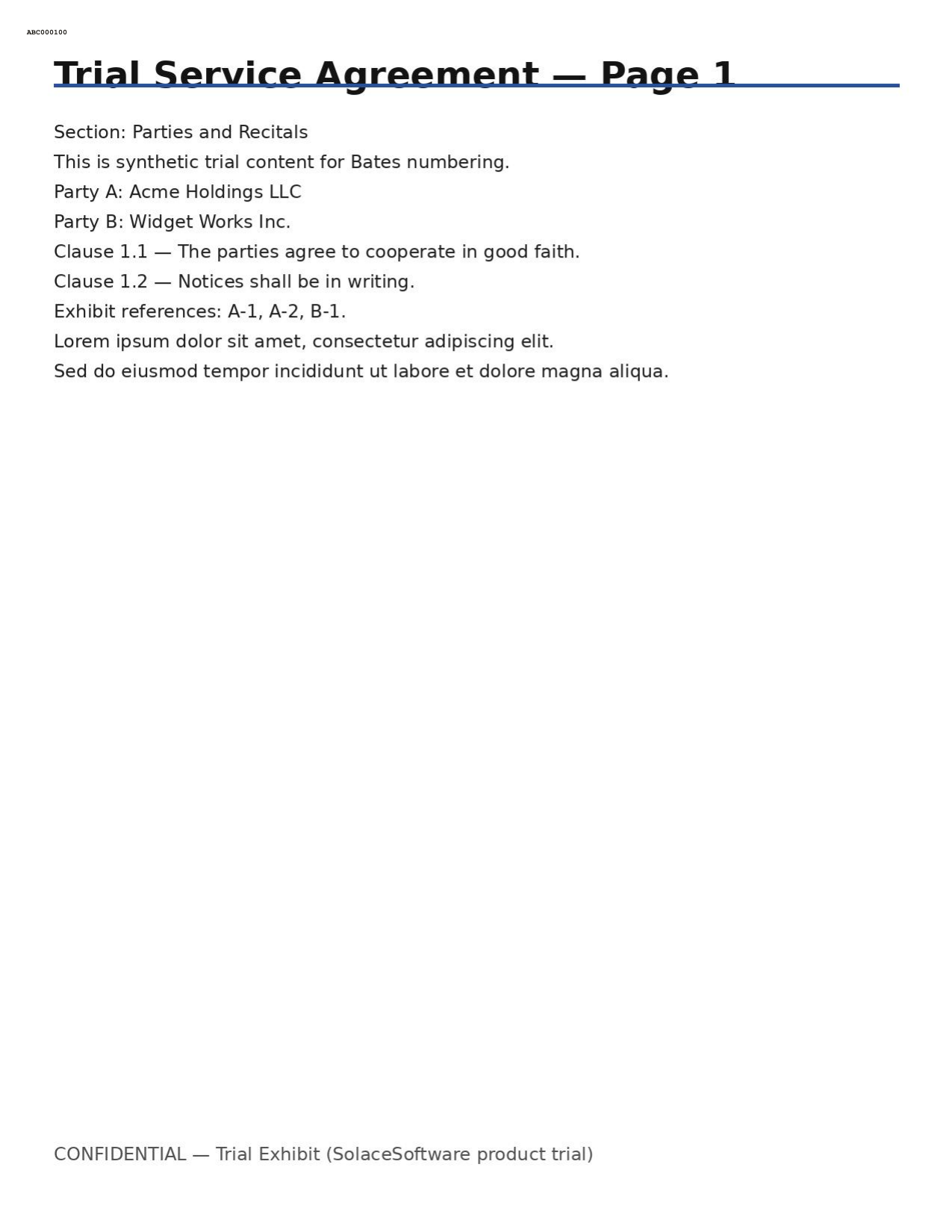
Trial captures with sample data. Solace BateStamp runs on your Windows PC.
After you buy, you can check that your download is exactly this file: same name, same size, same SHA-256.
- File
- Solace-BateStamp-1.0.0-solace.3-Windows-x64-unsigned.zip
- Size
- 170620788 bytes
- SHA-256
d0a89134f94dc98e7b57212823eb1ae9047ba5489ce16bffb9692374286790f6
ABOUT THIS PRODUCT
The story behind Solace BateStamp
Production numbering should stay on the desk that holds the files. Solace BateStamp is a Windows Bates desk for PDFs and images: drop a volume, set prefix and placement, proof a stamped page, then download stamped PDFs with an index CSV and production log.
Stamping runs locally inside the desktop window. There is no Solace-hosted upload step for the Bates job itself. Prefer verifying the published SHA-256 on this ZIP, keep untouched backups of source documents, and review every stamped page before production use.
It is for litigation support, e-discovery operators, and small teams who need practical Bates numbering without sending privileged volumes to a cloud stamp service.
Usage disclaimer
Use SolaceSoftware products only for lawful, authorized purposes. Use only content, data, images, audio, and other material you have the rights and any necessary consent to use.
You are responsible for what you provide, create, and share. Do not use our products for fraud, deceptive impersonation, harassment, or other unlawful or abusive activity. Follow applicable laws, platform rules, and third-party licenses.
Software and AI outputs can contain mistakes. Review results before relying on them, publishing them, or sharing them with others.
Keep untouched backups of source documents. Review every stamped page before production use.
This is not legal, discovery, records-management, or compliance advice.
Use only documents you are authorized to process.