SOLACESOFTWARE / PRODUCT
Pic Lock
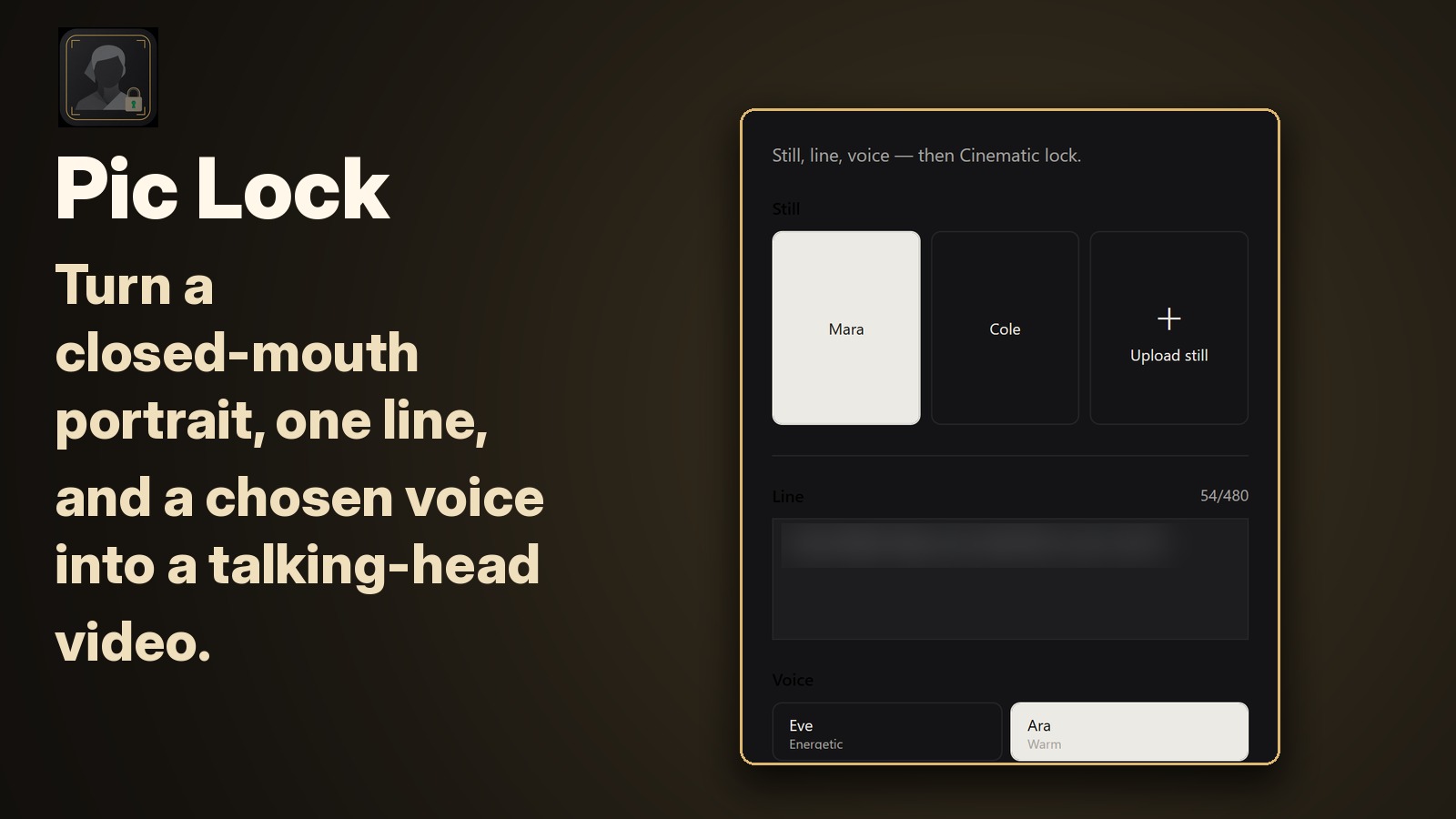
Turn a portrait, a line of dialogue and a chosen voice into a talking-head video to preview and save.
$84.52 once for the Pic Lock 1.2 Windows package. No subscription and no automatic renewal. Generation runs through your own Puter or xAI account, which is billed separately by that provider. 14-day money-back guarantee. Refund terms.
One-time payment for the Pic Lock 1.2 Windows package. Puter or xAI provider accounts and any separately billed generation usage are not included. No automatic renewal.
After checkout, Stripe brings you back to a page with your Download button. Bookmark it: the download works in the browser you paid with, for 30 days.
Email us at solacesoftware@smilingface.cloud with questions.
- Choose a still, dialogue line, and voice
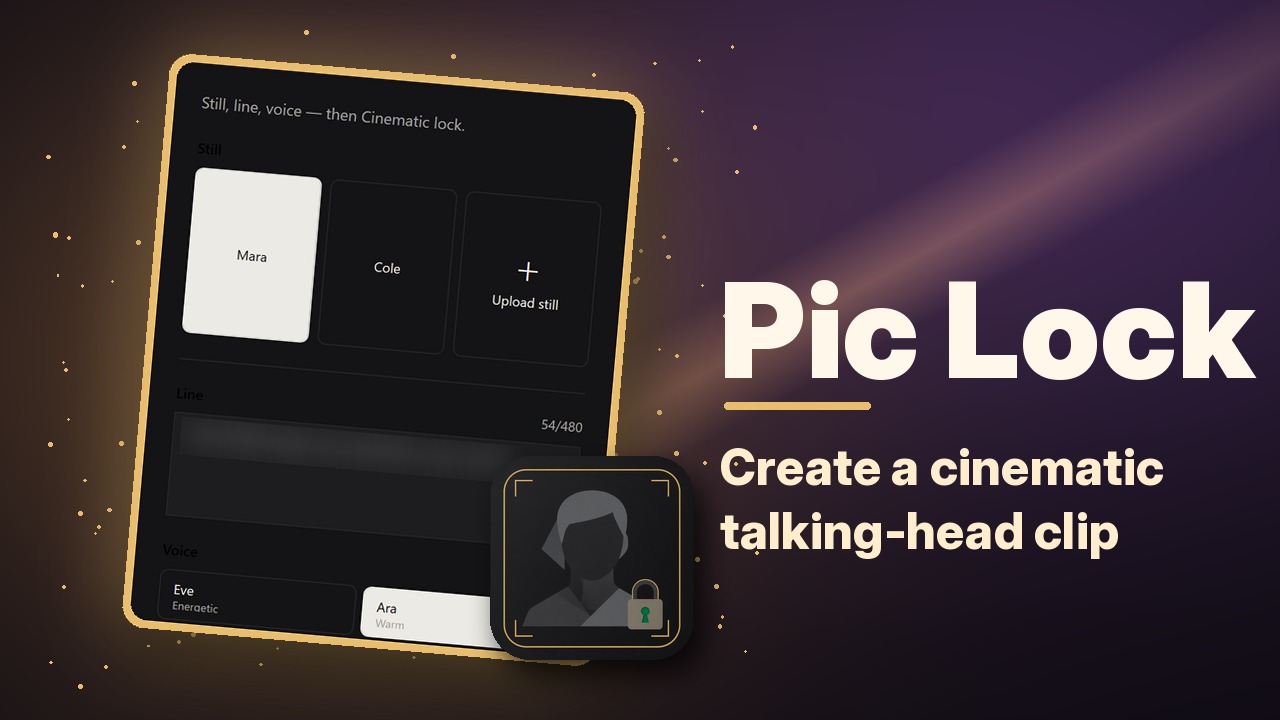
- Create a cinematic talking-head clip
- Preview and download the finished video
- One-time price, $84.52 USD. No subscription and no automatic renewal.
- Runs on your own Windows PC.
- We publish the size and SHA-256 of the exact ZIP you download, so you can check it.
The app isn’t code-signed yet, so the first time you open it Windows may show “Windows protected your PC.” Click More info, then Run anyway. After you buy, you can check the ZIP against the SHA-256 on this page. Questions: solacesoftware@smilingface.cloud
IN THE APP
Screenshots
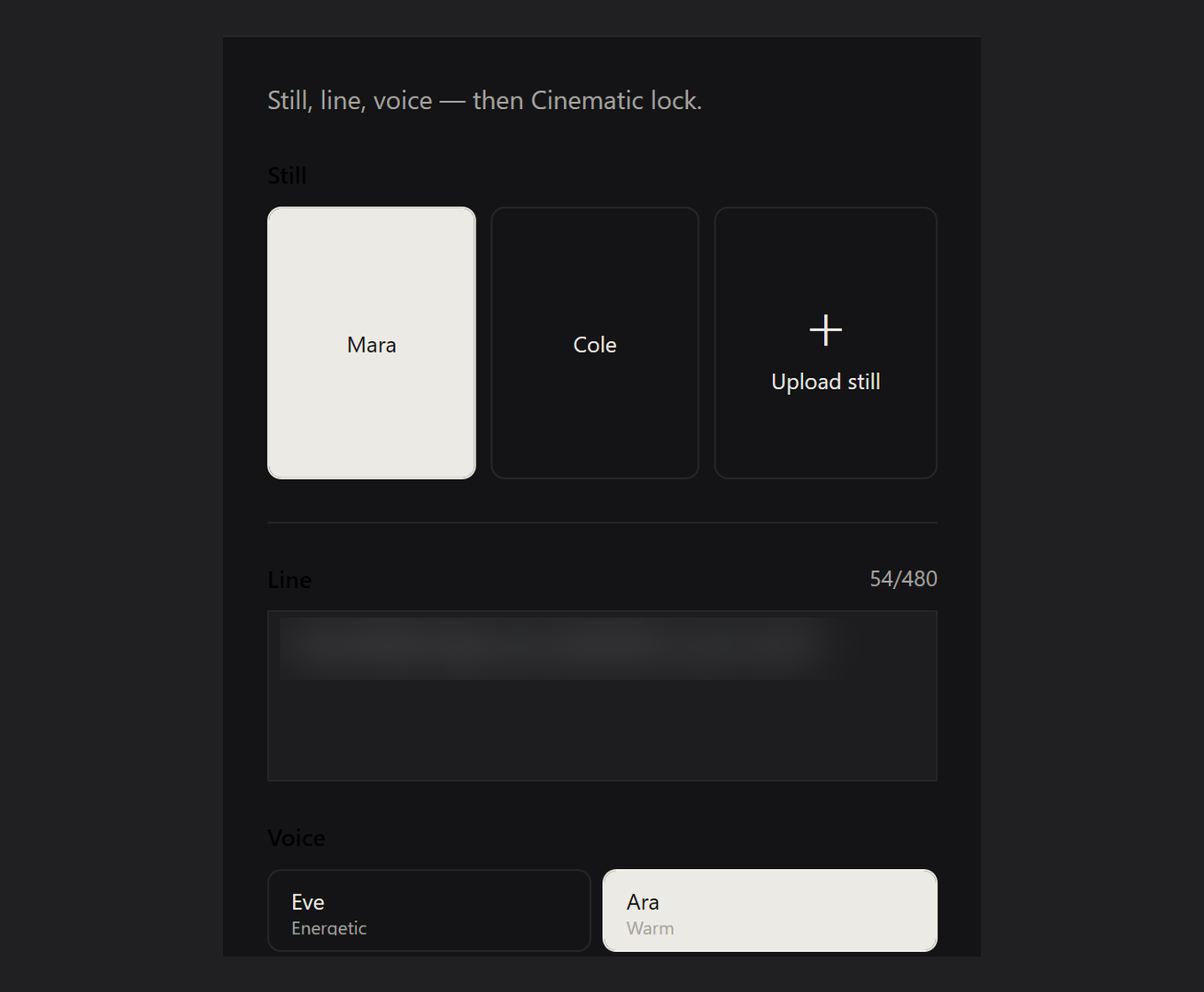
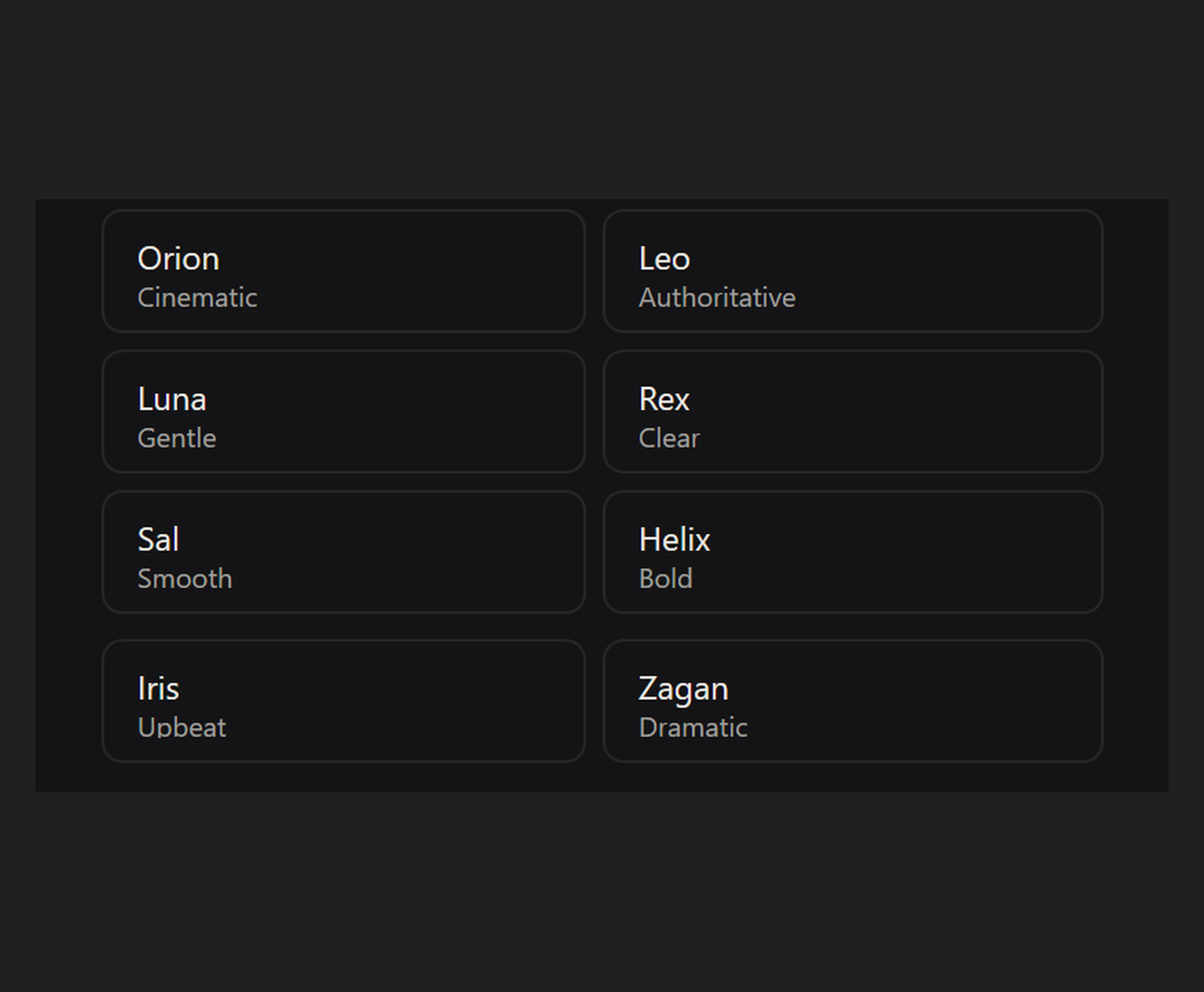
Screen captures with sample data. Pic Lock 1.2 runs on your Windows PC.
After you buy, you can check that your download is exactly this file: same name, same size, same SHA-256.
- File
- Pic-Lock-1.2.0-solace.2-Windows-x64.zip
- Size
- 70791952 bytes
- SHA-256
e00aa01e1bcf09503e65b4421cf8723ce1cdc2d48457adbd2ee9f1e7c4103837
ABOUT THIS PRODUCT
The story behind Pic Lock 1.2
Sometimes you only have a still photo, a line you want spoken, and a voice you trust — and you need a short talking-head clip without building a full video studio around it. Pic Lock 1.2 is for that quieter creative moment: a closed-mouth portrait, one clear sentence, and a chosen voice, turned into a downloadable video you can preview and keep.
The Windows workflow is intentionally guided. You gather the likeness, the words, and the voice in one place, then generation runs through your own Puter or xAI account so the provider relationship stays yours. When the clip comes back, you can watch it, decide if it feels right, and save it. No mystery pipeline — just the pieces you chose, assembled into something you can use.
It is for storytellers and makers who care about authorization. Use only portraits and voices you have permission to use, and say plainly when the result is synthetic if someone might take it for a real recording. Pic Lock will not invent consent for you; it simply helps you make a recognizable talking portrait when that is the job in front of you.
Usage disclaimer
Use SolaceSoftware products only for lawful, authorized purposes. Use only content, data, images, audio, and other material you have the rights and any necessary consent to use.
You are responsible for what you provide, create, and share. Do not use our products for fraud, deceptive impersonation, harassment, or other unlawful or abusive activity. Follow applicable laws, platform rules, and third-party licenses.
Software and AI outputs can contain mistakes. Review results before relying on them, publishing them, or sharing them with others.
Pic Lock creates synthetic video and speech. Use only authorized likenesses and voices, clearly disclose AI generation when it could be mistaken for a genuine recording, and do not create deceptive impersonation, non-consensual intimate content, abusive sexual content, or sexual content involving minors. Puter or xAI account and usage terms apply separately; never share an API key, account token, or password.
Common questions
- Do I need an account?
- Yes: your own Puter account or xAI API account, plus internet access. Provider usage is billed separately and is not included in the $84.52.
- Windows says “Windows protected your PC”.
- The app isn’t code-signed yet, so the first time you open it Windows may show that screen. Click More info, then Run anyway. You can check the ZIP against the SHA-256 on this page first.
- What do I need?
- 64-bit Windows 10 or 11 with the Edge WebView2 Runtime. Portable self-contained ZIP, no separate .NET install.
- Responsible use:
- Use only authorized likenesses and voices, and disclose AI generation where it could be mistaken for a real recording.